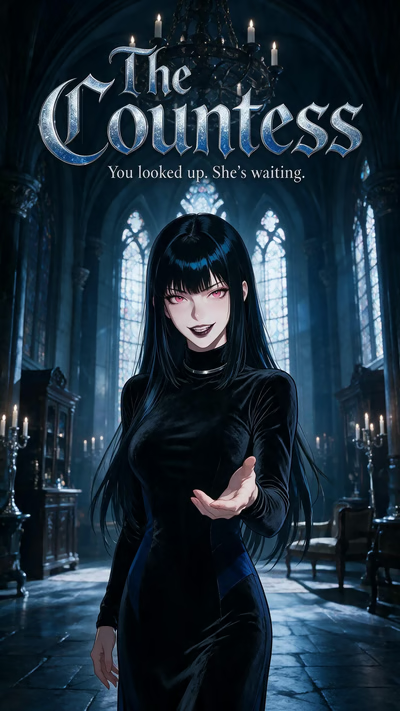

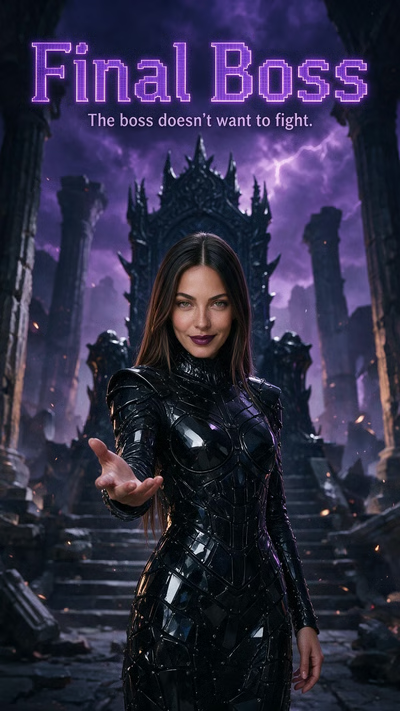

Choose the words you want to send
Open Reply when you want the response choices, even before the video finishes. Selecting a suggested line sends it as your opening message. If it does not fit, write your own reply of up to 500 characters.
A question can be enough to enter the scene. Ask the companion to explain what happened, offer a cautious response or state what your character intends to do. You are choosing your own side of the exchange, not writing a script that the companion must reproduce exactly.
Find the kind of situation you want to answer
Use the scenario filters for gender, visual style, content and genre. Read the story details before playing the opening. A romantic introduction and a mystery give the first reply different purposes; choose a premise you actually want to develop.
When the selection seems smaller than expected, check the filters and genre before concluding that a story is gone. Content notices and sign-in can affect access. You may also need an account or email verification before the conversation continues; a playable opening is not a promise that every later action is available anonymously.
Keep the continuing story in its conversation
Scenarios can start on any plan, with the usual message allowance applying once you chat. They do not add a separate unlimited quota or include an Ultimate persona automatically. Continue in the same thread when you want to retain that conversation's message history.
For an episode sequence to watch, choose Shorts. For a personal clip, use Generation Studio with a supported image and motion instructions. Replying to a Reel, unlocking an episode and submitting a video generation are different actions; none should be mistaken for another purchase or allowance.
Common questions
Can I ignore the suggested reply and write my own?
Yes. The custom opening field accepts up to 500 characters. After the chat opens, you can keep writing normally rather than following reply suggestions.
Can I answer before the opening has finished playing?
Yes. Use Reply to see the choices before the ending. You can revisit the opening if you want to reconsider the situation.
Does replying to a Reel generate a clip in my gallery?
No. A scenario starts a conversation. New personal videos come from a separate Studio generation request, not from sending the opening reply.